
Learn Weedhurry
Step-by-step video guides to help you and your team master every feature of the platform.
Getting Started
Set up your dispensary and get running in minutes
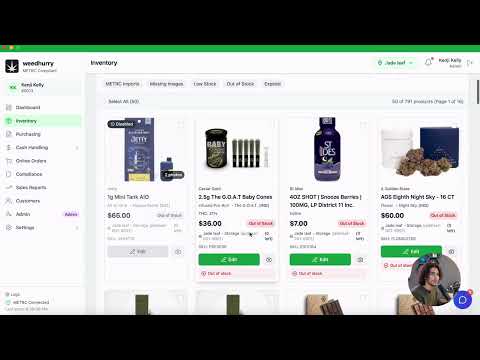
Welcome to Weedhurry POS
Platform overview, navigating the dashboard, and understanding each module.
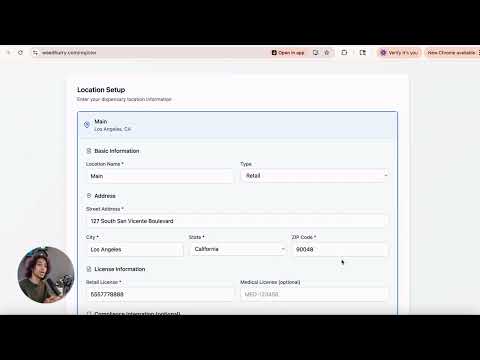
Setting Up Your Organization
Registration, onboarding wizard, business info, and adding your first location.
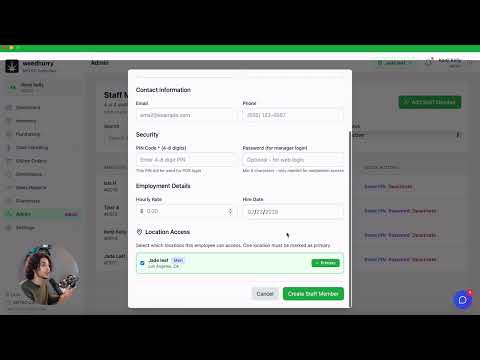
Adding Staff & Assigning Roles
Create staff accounts, set PINs, assign roles (admin/manager/budtender), and location assignment.
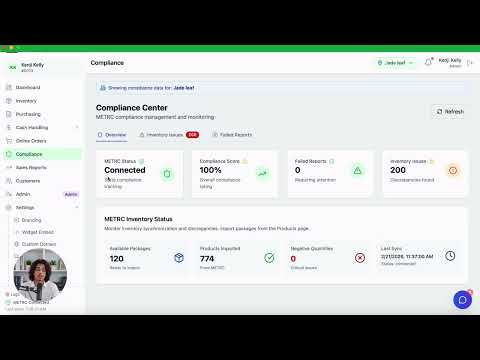
Connecting METRC Compliance
Enter METRC API credentials per location, test connections, and understand compliance badges.
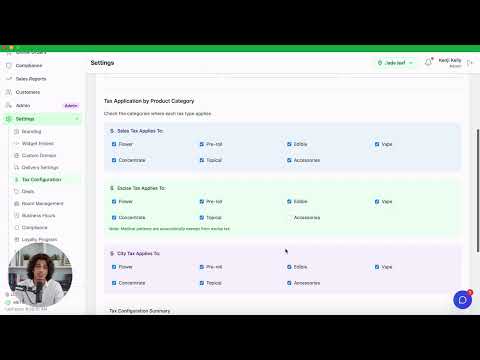
Configuring Tax Rates
Set up sales tax, excise tax, city tax, medical exemptions, and per-category exclusions.
Products & Inventory
Manage your product catalog and track stock levels
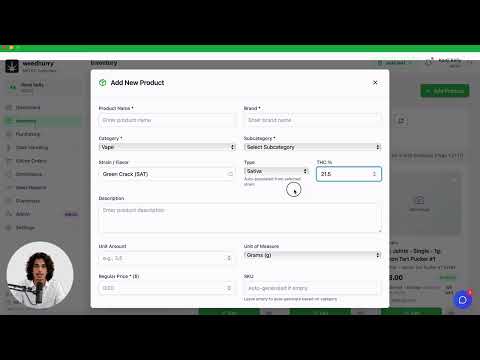
Adding Products Manually
Create products with category, pricing, strain info, THC%, and images.
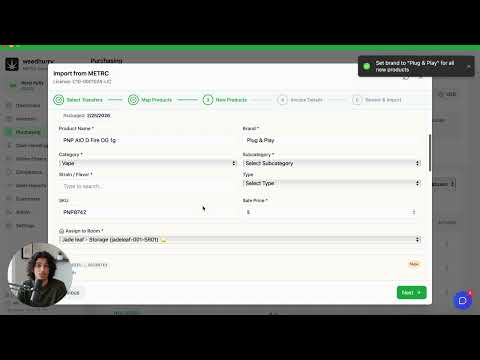
Importing Products from METRC
Use the Product Import Wizard to map METRC packages to products with bulk pricing.
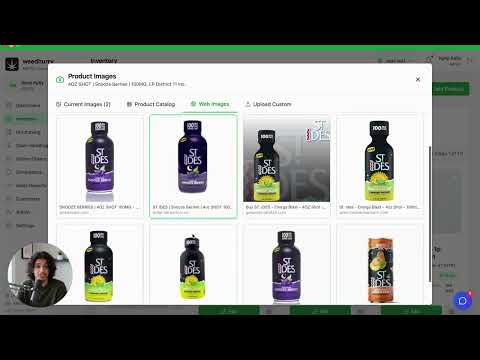
Managing Product Images
Upload multiple images, set primary images, and manage product galleries.
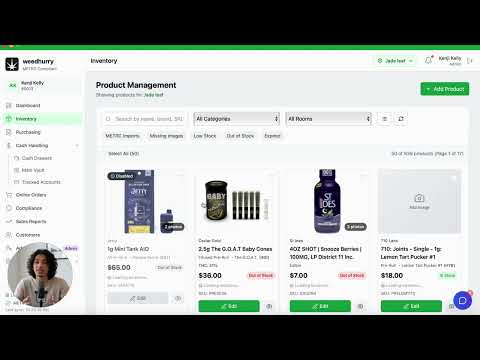
Room Management & Inventory Allocation
Create rooms and allocate product stock across physical and virtual rooms.
POS Operations
Master the point-of-sale for fast, accurate transactions
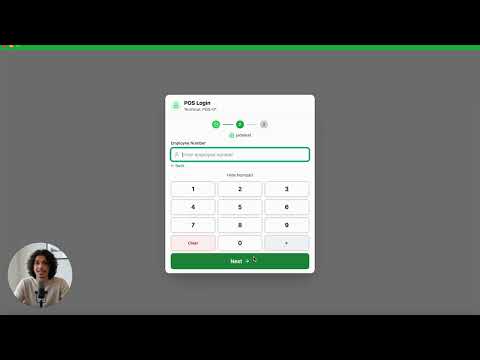
POS PIN Login & Drawer Setup
Budtender PIN login, selecting a drawer, opening with cash count, and vault float.
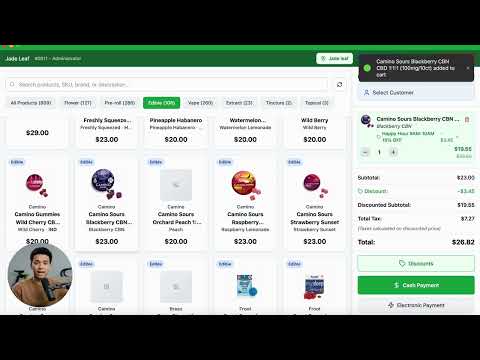
Ringing Up a Sale
Browse products, add to cart, adjust quantities, and select a customer.
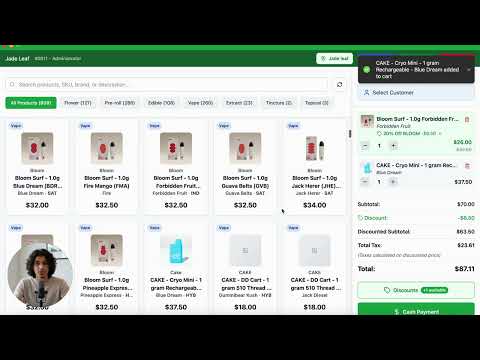
Applying Discounts & Loyalty Points
Manual discounts, auto-applied deals, BOGO/bundle, and loyalty point redemption.
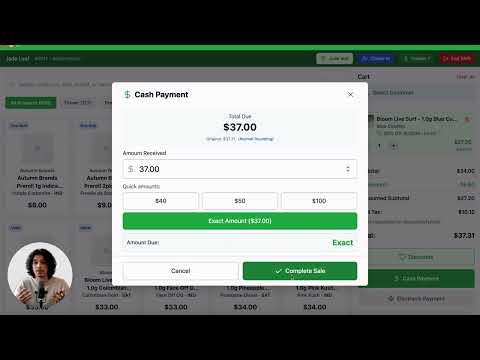
Processing Payments
Cash payments with change calculation, electronic payments, and processing fees.
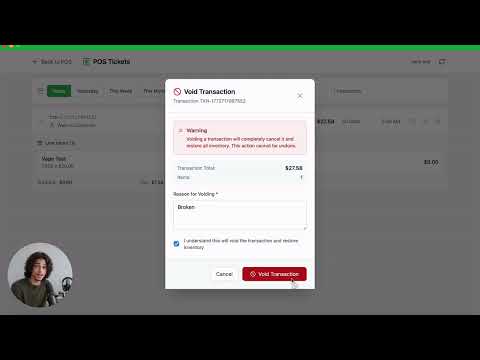
Refunds, Voids & Editing Transactions
Full/partial refunds, voiding transactions, and editing payment methods from POS Tickets.
Saved Carts & Online Order Fulfillment
Park and restore carts, load online orders into the POS for in-store fulfillment.
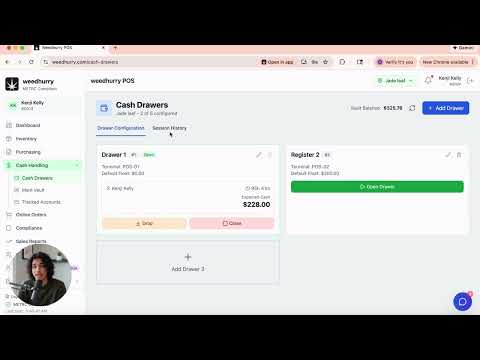
Closing a Drawer & Cash Drops
Mid-shift cash drops to vault and closing drawers with denomination count.
Customer Management
Check-ins, loyalty, and customer relationships
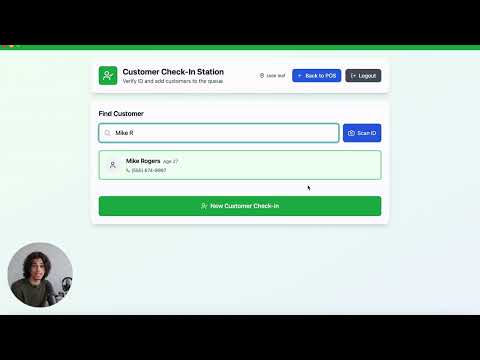
Customer Check-In Station
Customer check-in station setup, ID scanning, DOB verification, and medical priority.
Managing Customers
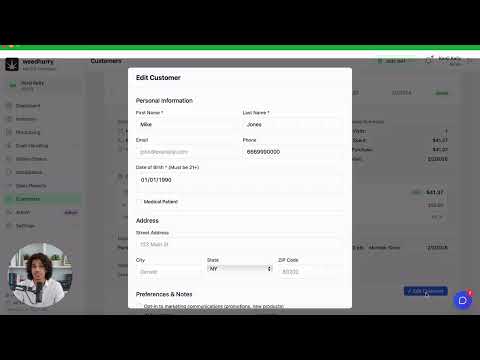
Add/edit customers, medical patient flags, and viewing purchase history.
Check-In Queue & POS Integration
How the queue flows from kiosk to budtender selection at the point of sale.
Cash & Vault
Cash drawers, vault management, and tracked accounts
Main Vault Overview
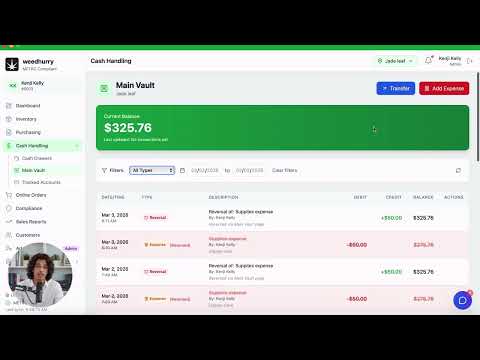
Vault balance, viewing transaction history, and filtering by type and date.
Vault Transfers & Expenses
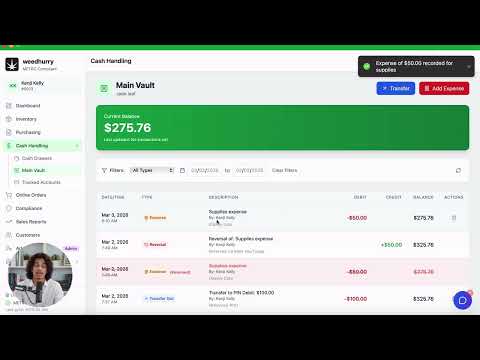
Transfer funds to bank or tracked accounts, and record expenses from the vault.
Tracked Accounts & Payment Methods
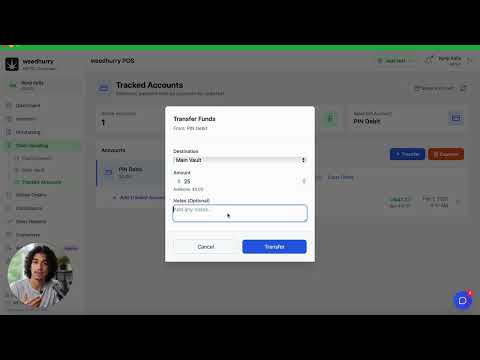
Set up electronic payment accounts, track balances, and view ledgers.
Purchasing & Invoices
Distributor management and invoice tracking
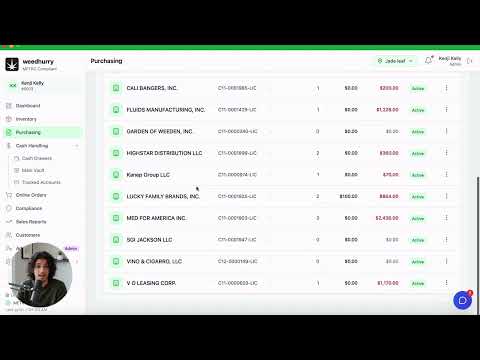
Managing Distributors
Add distributors with contact info and METRC license tracking.
Creating & Managing Invoices
Manual invoice creation, importing from METRC transfers, and managing line items.
Recording Payments & Refunds
Pay invoices, track outstanding balances, and handle credits and refunds.
Reports & Analytics
Sales reports, dashboards, and performance insights
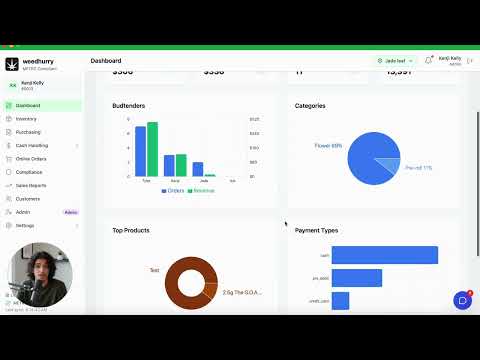
Dashboard Overview
KPI cards, date filters, sales by employee/category/payment method charts.
Sales Reports
Product summary vs product log views, date filtering, and CSV export.
Inventory & Product Performance
Stock levels by category, low-stock alerts, and top-selling product analysis.
Online Ordering
Storefront widgets, delivery, and order fulfillment
Storefront Widget Setup
Generate embed code, choose embed style (inline/button/full-page), and customize.
Managing Online Orders
Order queue, confirming and fulfilling orders, and METRC delivery compliance.
Delivery & Pickup Settings
Enable delivery/pickup, set fees, radius, delivery zones, and estimated times.
Deals & Promotions
Discounts, BOGO deals, banners, and loyalty programs
Creating Discounts & Deals
Standard discounts, BOGO, bundles, brand/category targeting, and day/time scheduling.
Promotional Banners & Loyalty Program
Create scheduled banners, configure loyalty points, welcome and birthday bonuses.
Compliance
METRC integration, inventory sync, and compliance reporting
METRC Inventory Sync & Discrepancies
Sync inventory with METRC, identify discrepancies, and adjust quantities.
Compliance Reporting & Failed Reports
Understand compliance status per transaction and retry failed compliance reports.
Advanced Settings
Locations, hardware, branding, and system configuration
Multi-Location Management
Add locations, switch between them, and configure location-specific settings.
Hardware Setup (Receipt Printers)
Configure thermal printers (Star, Epson), set IP/USB paths, and test print.
Branding & Custom Domains
Upload logos, set brand colors, and configure custom storefront domains.
Activity Logs & Audit Trail
View system-wide audit logs, filter by user and action, and export data.
Ready to grow your dispensary?
See how dispensaries like yours streamline operations and drive more revenue with the most complete cannabis POS platform.
Book a meeting